Get Your Free Estimate on Installations
1 minute read
A garage door opener makes daily life easier, safer, and more convenient. With the press of a button, you can open and close your garage door without leaving your vehicle. However, when you install a new opener, replace a remote, or experience connection issues, you may need to learn how to program a garage door opener correctly.
Understanding the programming process can help ensure reliable performance and prevent unnecessary service calls. While different manufacturers may have slightly different procedures, most modern systems follow a similar setup process.
In this guide, we will explain how to program a garage door opener, cover garage door opener remote programming, discuss troubleshooting tips, and share best practices to help your system operate smoothly.
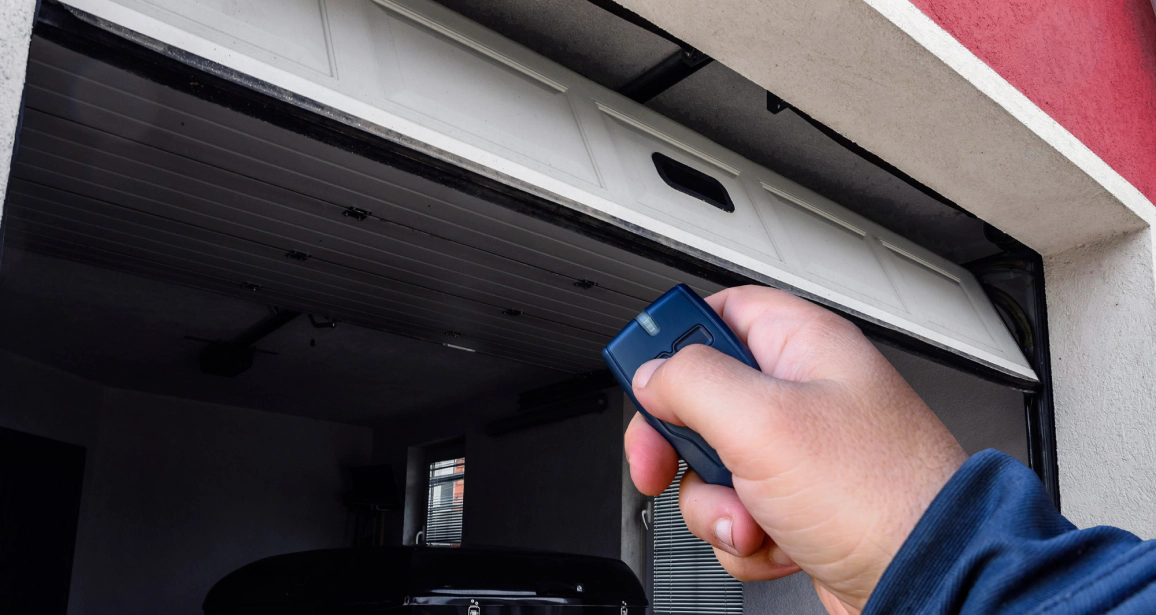
How to Program a Garage Door Opener
Before you begin, it helps to understand what programming a garage door opener actually means.
Programming allows your garage door opener and remote control to communicate securely with one another. Modern garage door openers use rolling code technology that changes the access code each time the remote is used. This improves security and helps prevent unauthorized access.
Whether you need to:
- Program a new remote
- Replace an old remote
- Reconnect a disconnected transmitter
- Reset an opener after a power outage
- Add multiple remotes
The process typically involves pairing the remote with the opener’s receiver.
If you’re installing a completely new system, you may also need to learn how to set up a garage door opener before programming remotes.
Safety Tips Before Programming
Whenever working with a garage door system, safety should come first.
Before beginning:
- Read the manufacturer’s instructions
- Ensure the garage door is fully closed
- Keep children away from the work area
- Verify the opener is securely mounted
- Use a sturdy ladder when accessing ceiling-mounted units
- Avoid touching springs, cables, or other high-tension components
If you notice damaged parts during setup, it may be time to schedule Garage Door Repair Services rather than attempting further adjustments.
Tools You May Need
One advantage of garage door opener remote programming is that it usually requires very few tools.
In most cases, you’ll need:
- Garage door remote
- Step ladder
- Owner’s manual
- Replacement battery (if necessary)
- Flashlight
Many programming procedures can be completed in just a few minutes.
Locate the Learn Button
The first step in learning how to program a garage door opener is locating the “Learn” button.
The Learn button is typically found on:
- The back of the opener motor housing
- Under the light cover
- Near the antenna wire
Depending on the manufacturer, the button may be:
- Yellow
- Purple
- Red
- Orange
- Green
Once you find the Learn button, you are ready to begin programming.
How to Program a Garage Door Opener Step by Step
Step 1: Prepare the Remote
Install a fresh battery if needed.
A weak battery can interfere with successful programming and lead to inconsistent operation.
Before proceeding, verify that:
- The battery is properly installed
- The battery contacts are clean
- The remote indicator light activates when pressed
Step 2: Press the Learn Button
Locate and press the Learn button on the opener.
Most systems will activate a small LED indicator that remains lit for approximately 30 seconds.
This indicates the opener is in programming mode.
Step 3: Program the Remote
Within the allotted programming time:
- Press and hold the desired button on the remote.
- Watch for flashing lights or listen for a click from the opener.
- Release the remote button once confirmation occurs.
The opener should now recognize the remote.
Step 4: Test Operation
Stand several feet away and test the remote.
The garage door should:
- Open smoothly
- Close properly
- Respond immediately
If the door does not respond, repeat the programming process.
Garage Door Opener Remote Setup for Multiple Remotes
Many homeowners use multiple remotes for convenience.
You may want separate remotes for:
- Multiple vehicles
- Family members
- Spare access
- Temporary users
Fortunately, most openers allow several remotes to be programmed.
To complete garage door opener remote setup for additional devices:
- Press the Learn button again.
- Program each remote individually.
- Test each transmitter after setup.
Most systems can store several remotes without affecting performance.
How to Set Up a Garage Door Opener After Installation
If you’re learning how to set up a garage door opener after installing a new unit, additional steps may be required before programming remotes.
Verify Door Balance
The garage door should move smoothly by hand.
An unbalanced door places excess strain on the opener and can shorten its lifespan.
Adjust Travel Limits
Travel limits determine how far the door opens and closes.
Incorrect settings can cause:
- Partial opening
- Failure to close
- Reversal during operation
Consult the manufacturer’s instructions when adjusting these settings.
Configure Force Settings
Force settings control how much power the opener uses.
Proper adjustment helps maintain:
- Smooth operation
- Safety compliance
- Reliable performance
Test Safety Sensors
Modern systems include photo-eye sensors near the floor.
These sensors prevent the door from closing when an object is detected.
Always test sensors after installation.
If sensor issues persist, professional Garage Door Repair Services may be necessary.
Programming a Keypad
Many homeowners use wireless keypads for added convenience.
To program a keypad:
Enter Programming Mode
Press the Learn button on the opener.
Input Desired PIN
Enter your chosen access code.
Choose a PIN that is easy to remember but difficult for others to guess.
Confirm Programming
Follow manufacturer instructions to save the code.
Test the Keypad
Verify that entering the PIN successfully activates the garage door.
For homes with smart access systems, pairing may also involve smartphone integration.
Troubleshooting Common Programming Issues
Even when following instructions carefully, problems can occur.
Here are some common issues and solutions.
Remote Does Not Program
Possible causes include:
- Dead battery
- Incorrect programming sequence
- Damaged remote
- Full memory capacity
Try replacing the battery and repeating the process.
Door Opens But Does Not Close
This issue is often related to:
- Sensor misalignment
- Sensor obstruction
- Travel limit settings
Inspect sensors and ensure they face one another properly.
Weak Signal Range
If the remote only works at short distances:
- Replace batteries
- Check antenna placement
- Remove interference sources
Nearby electronics can sometimes disrupt signal transmission.
Learn Button Not Responding
If the Learn button fails to activate:
- Verify power supply
- Reset the opener
- Inspect for internal damage
In some cases, professional service may be required.
How to Reprogram a Garage Door Opener
Sometimes you may need to erase existing codes and start over.
Common reasons include:
- Lost remote
- Home purchase
- Security concerns
- New occupants
Clear Existing Memory
Most openers allow you to erase stored devices by holding the Learn button for several seconds.
Once the indicator light turns off:
- All remotes are removed
- Keypads are erased
- Programming must be completed again
Program New Devices
After memory is cleared:
- Add approved remotes
- Configure keypads
- Test all devices
This process improves security and ensures only authorized users have access.
Smart Garage Door Opener Programming
Today’s technology allows homeowners to control garage doors from virtually anywhere.
Smart openers offer features such as:
- Smartphone control
- Real-time alerts
- Remote monitoring
- Voice assistant compatibility
If your system supports smart technology, setup typically includes:
- Downloading the manufacturer’s app.
- Connecting the opener to Wi-Fi.
- Creating an account.
- Pairing the opener.
- Testing remote access.
For homeowners interested in upgrading, our Smart Garage Door Systems service can help with installation and integration.
Best Practices for Reliable Operation
Proper programming is only part of maintaining a dependable garage door system.
Follow these best practices:
Replace Batteries Regularly
Many programming issues stem from weak batteries.
Replace batteries annually or whenever performance declines.
Keep Sensors Clean
Dust and debris can affect sensor performance.
Clean lenses periodically with a soft cloth.
Test Safety Features
Monthly testing helps ensure safe operation.
Verify:
- Auto-reverse functions
- Sensor performance
- Door balance
Schedule Maintenance
Regular maintenance can prevent breakdowns and extend equipment life.
Our Garage Door Maintenance service includes inspections, lubrication, adjustments, and performance checks.
When Programming Problems Signal Bigger Issues
Sometimes programming difficulties are symptoms of a larger problem.
Issues may involve:
- Damaged circuit boards
- Worn opener components
- Electrical faults
- Broken springs
- Damaged cables
If your opener continues malfunctioning after repeated programming attempts, additional repairs may be necessary.
Related services that may help include:
- Garage Door Springs
- Garage Door Cable Repair
- Garage Door Track Repair and Replacement
- Garage Door Opener Services
- Residential Garage Door Services
Addressing underlying issues often restores reliable performance and prevents future disruptions.
Signs You May Need a New Garage Door Opener
While programming can solve many issues, older openers eventually reach the end of their service life.
Signs that replacement may be a better option include:
Frequent Programming Loss
Repeated loss of programmed settings may indicate failing electronics.
Excessive Noise
Grinding or rattling sounds can signal internal wear.
Slow Response Time
Delayed operation often points to aging components.
Lack of Safety Features
Older systems may not meet current safety standards.
Limited Compatibility
Some older units cannot support smart technology or modern remotes.
If replacement becomes necessary, professional Garage Door Installation services can ensure proper setup and performance.
Professional Garage Door Opener Setup vs. DIY Programming
Many homeowners successfully handle basic remote programming.
However, professional service offers several advantages:
- Correct setup the first time
- Proper travel limit adjustments
- Safety testing
- Smart technology integration
- Warranty protection
- Expert troubleshooting
Professional technicians can also identify hidden issues before they become costly repairs.
For complex systems, professional assistance often saves time and frustration.
Conclusion
Learning how to program a garage door opener is a valuable skill that can help maintain convenience, security, and reliable operation. Whether you’re performing garage door opener remote programming, adding a new transmitter, resetting a system, or learning how to set up a garage door opener, following the proper steps is essential. By understanding the programming process, performing regular maintenance, and addressing problems promptly, homeowners can enjoy dependable garage door performance for years to come.
At Varney Door Co., we have proudly served homeowners in Barboursville, WV, and surrounding communities since 1963. With more than 61 years of experience, we combine trusted craftsmanship with advanced technology to provide dependable Garage Door Opener Services, Garage Door Installation, Garage Door Repair, and Garage Door Maintenance solutions. We answer when you call, provide clear arrival windows, and keep customers informed every step of the way. Whether you need help programming a remote, upgrading to a smart opener, or replacing an outdated system, our experienced team is ready to help. Call (304) 736-5413 today to schedule service or request a free estimate for installation.

June 22nd, 2026